Features
Everything a good front desk does on the phone, run by AI
Built for offices and service businesses of every kind, and tuned to how your office already works.

After-hours, lunch and overflow calls
The assistant answers when your office is closed, when your team is at lunch, and when every line is busy. It can take several calls at once, so nobody hears a busy signal.
- Hours, location, parking and directions
- The services you offer and the areas you serve
- Which insurance plans you work with, if you take insurance (never what a plan covers)
- New-customer steps, and payment and financing options you approve
- Messages for your team, sorted by urgency
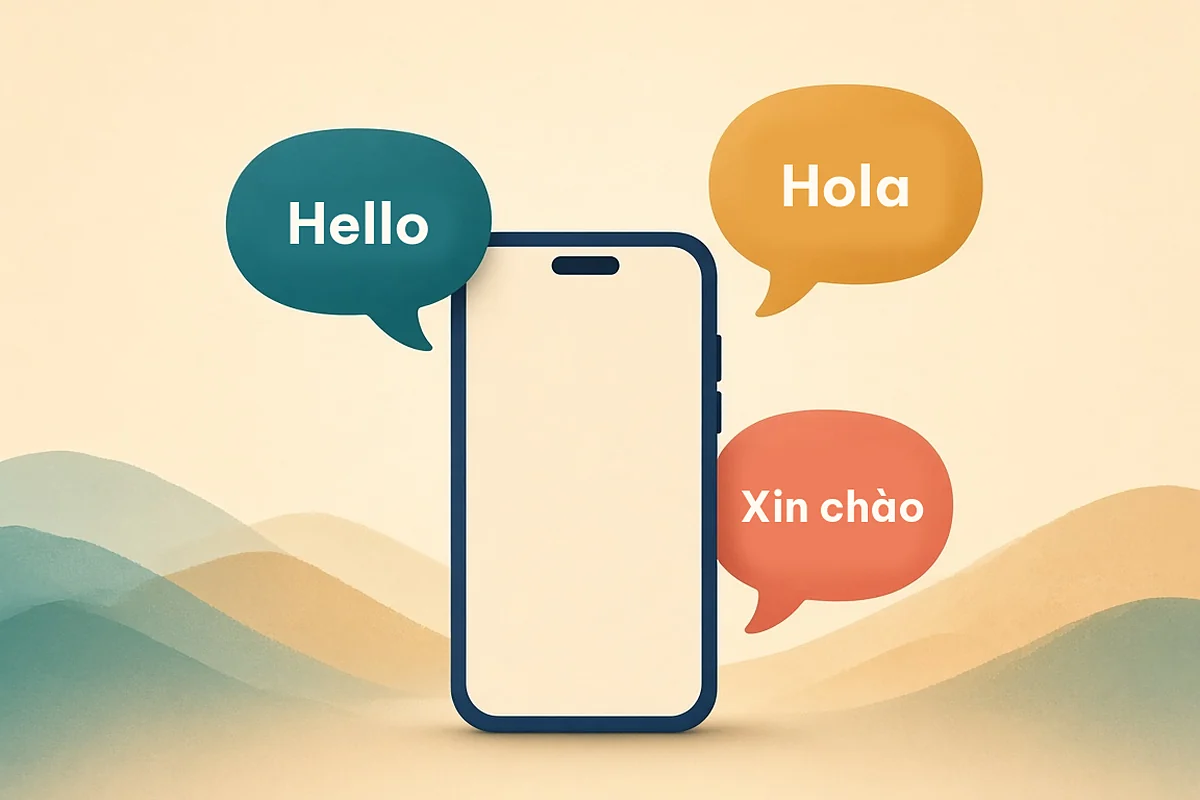
English, Spanish and Vietnamese
Callers say the language they want, or just start speaking it, and the assistant switches. Your morning summary always arrives in English and notes the caller's language.
- The same approved answers in all three languages
- Recording and AI notice repeated in the caller's language
- Names spelled back to avoid mix-ups

Booking, reschedules and new-customer intake
On the After-Hours plan, the assistant takes booking requests for your team to confirm. On the Booking plan and up, it books straight into your schedule through a secure connection to the scheduling or practice software you use, where a supported connection exists. We confirm your system during setup; until it's connected, requests go to your team to confirm.
- Name, callback number and the reason for the call (plus the insurance carrier, if you take insurance)
- Offers times that follow your scheduling rules
- Reschedules and cancellations, with a gentle reminder of your policy

Insurance and billing questions
Healthcare offices field insurance questions all day, and almost every business gets billing calls. On every plan, the assistant handles the everyday questions from answers you approve, and passes anything account-specific to your team.
- Which insurance plans your office works with (never what a plan will pay)
- Collects the caller's carrier, member ID and plan details so your team can verify coverage before the visit
- General billing questions: payment methods, financing options and billing policies you approve
- Questions about a specific bill or balance become a message for your team, with a callback number
Complete Front Desk Automatic insurance eligibility checks before appointments, balance questions, text-to-pay statements and payment plans, connected to your office software during a 2–4 week setup. Setup time depends on your scheduling software. It never takes card numbers by voice: payments go through secure hosted links or card readers, with your office as the merchant. Disputes always go to your staff.

Check-in and digital intake forms
Less clipboard time at the front desk. Customers check in by text before they arrive, or at an optional lobby tablet kiosk, and fill in your intake forms on their phone.
- Text-ahead digital check-in
- Optional lobby tablet kiosk (hardware billed at cost)
- Digital intake forms, with insurance card and ID capture where you need it
- Connected to your office software during a 2–4 week setup
Setup time depends on your scheduling software.

Urgent-call routing, without the guesswork
The assistant doesn't judge how serious something is or give first-aid or safety tips of its own. It follows routing rules your office approves.
- Signs of a medical emergency (trouble breathing, chest pain, severe bleeding): a clear instruction to call 911
- Urgent problems you define (a dental emergency, a burst pipe, a sick pet, a tenant with no heat): connected to your on-call person, or flagged for an urgent callback
- Everything else: booked, or noted for your team
Plus the small things that add up
Missed-call text-back
If a caller hangs up before anyone answers, they get one friendly text with a way to reply or book. No promotions, and "STOP" always works.
Morning summary
One list of every call: who, why, the outcome, and what needs a person. No digging through voicemail.
Warm hand-offs
During office hours, callers who ask for a person are transferred to your team. After hours, they get a message and a next-day callback.
Confirmations Full Desk
Appointment confirmation calls or texts to customers who agreed to be contacted that way.
Reminders Full Desk
Friendly reminders to customers who are due for a visit or service, only if they've given consent.
Your name, your greeting
Pick a name and a warm voice for the assistant, and the exact words of your greeting.
What it never does
Clear limits, so you can trust it with your callers
These rules are part of every office's setup. They aren't settings you have to remember to turn on.
- No professional advice. No diagnosis, no legal or tax opinions, no first-aid, medication or safety tips of its own. Those come from your team.
- No insurance promises. It can say which plans you work with, never what a plan will pay.
- No surprise prices. It quotes only prices you approve in writing, if any.
- No card numbers by voice. Payments only go through secure hosted links or card readers, with your office as the merchant.
- No pretending. It will always say it's an AI assistant and always offer a person.
- No marketing calls or texts to customers without their written consent.
- No sharing caller details with anyone who isn't the caller or an approved contact.
How it compares with what you have now
| Feature | Voicemail | Traditional answering service | Valley Front Desk |
|---|---|---|---|
| Answers nights, weekends and lunch | Records a message | Yes | Yes |
| Answers office questions | No | Usually takes a message | Yes, from your approved answers |
| Spanish and Vietnamese | No | Varies | Both, on every plan |
| Insurance and billing questions | No | Usually takes a message | Everyday questions on every plan; eligibility checks and text-to-pay on Complete Front Desk |
| Books or requests appointments | No | Sometimes | Yes |
| Urgent-call routing you approve | No | Yes | Yes |
| Morning summary of every call | No | Varies | Yes |
| Handles several calls at once | One message at a time | Depends on staffing | Yes |
New: Agent-Ready Front Desk (early access). Some AI assistants are starting to call local businesses on people's behalf. Get your front desk ready for AI callers →
Try it free for 14 days
Founding offices get a free 14-day after-hours pilot. We set everything up, there's no contract, and your founding price stays locked for 12 months.